Sometimes, Talking Is Easier Than Typing
When you are not feeling well, the last thing you want to do is sit down and carefully type out every detail of how you feel. Maybe your hands are shaky. Maybe you are exhausted. Maybe you just think better out loud.
That is why Symplicured now lets you speak your symptoms — naturally, in your own words, in your own language.
No menus to navigate. No checkboxes to tick. Just open your mouth and describe how you feel, the same way you would tell a friend or a doctor. The AI listens, understands, and guides you toward clarity.
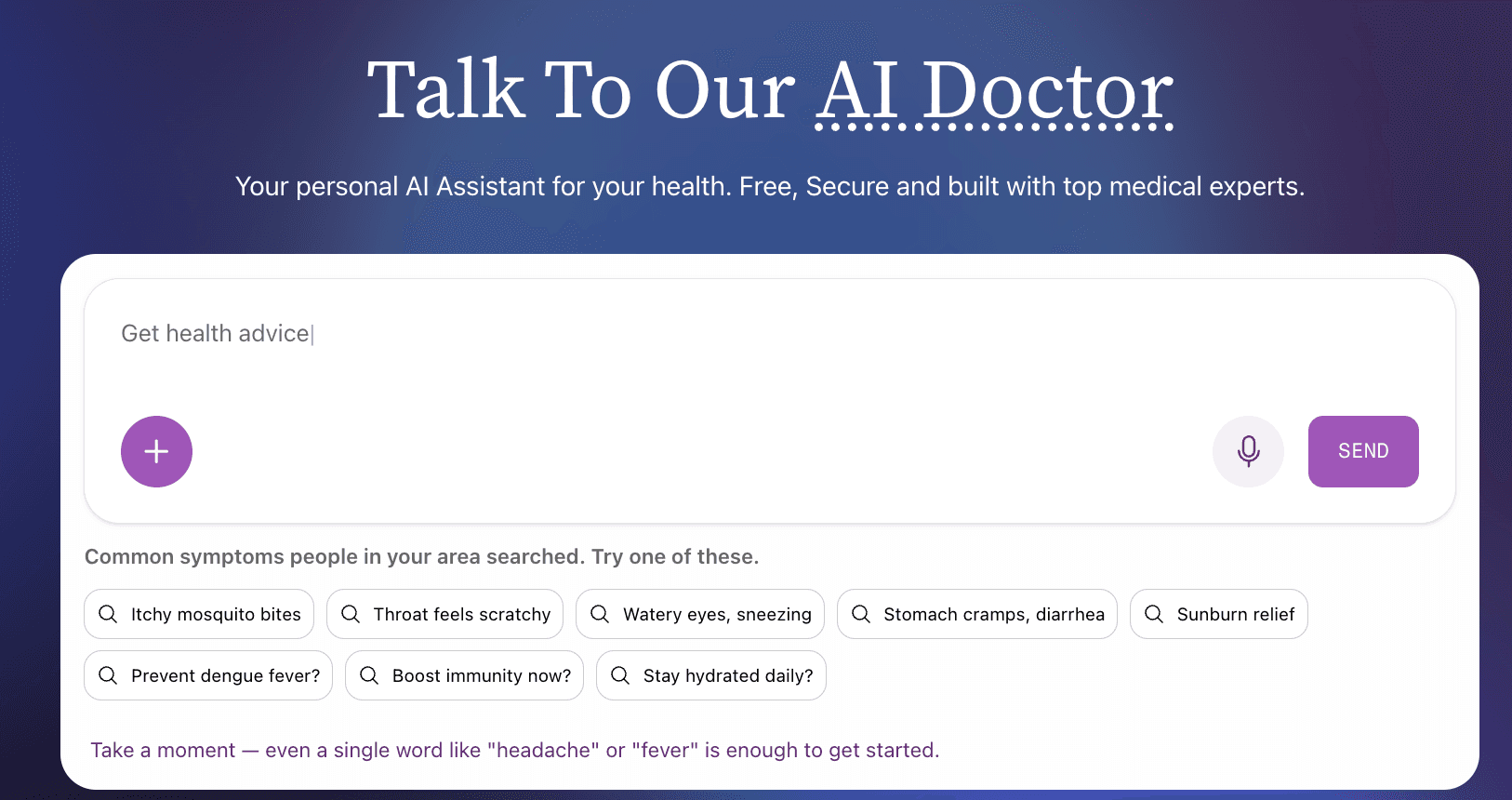
Using voice on Symplicured is as simple as tapping the microphone icon and starting to talk. But behind that simplicity is a system designed to make the experience feel genuinely conversational.
Speak Naturally
There is no need to use medical terminology or structure your sentences in any particular way. Say what feels natural:
- "I have had this headache behind my eyes for the past three days and it gets worse in the morning"
- "My kid has been running a fever since last night and keeps complaining about a sore throat"
- "I have this weird rash on my arm that appeared after I went hiking"
The AI processes your spoken language the same way it processes text — understanding context, identifying symptoms, and asking relevant follow-up questions.
Intelligent Silence Detection
The system knows when you have finished speaking. It uses real-time audio analysis to detect natural pauses, so you do not need to press a button to indicate you are done. Speak at your own pace — take a breath, gather your thoughts, continue when you are ready.
Interrupt Anytime
This is something most voice assistants get wrong. When Symplicured responds to you with voice, you can interrupt it mid-sentence if you want to add something or correct a detail. The AI detects that you have started speaking and immediately pauses its response to listen. No waiting for it to finish. No awkward overlap. Just natural, back-and-forth conversation.
Choose Your Voice
Symplicured's AI responds in voice as well — and you get to choose from multiple voice personas. Pick the one that feels most comfortable to you. Your preference is remembered across sessions, so the experience stays consistent every time you return.
Three Ways to Describe Your Health
Voice is one part of a fully multimodal system. Depending on your situation, you can choose the input method that works best:
Voice
Tap the microphone and speak. Ideal when you want to describe complex symptoms quickly, when typing is inconvenient, or when you simply prefer talking. The AI transcribes your speech in real time and processes it instantly.
Text
Type your symptoms the traditional way. Useful when you are in a quiet environment, when you want to be very precise with your wording, or when you are searching for something specific. The chat interface supports natural language — no medical jargon required.
Image
Take a photo or upload an existing image. Perfect for visible symptoms like skin conditions, rashes, swelling, or injuries — and equally powerful for medical documents like prescriptions, lab reports, X-rays, and MRI scans. The AI analyses the image and incorporates visual findings into your assessment.
Combine Them
The real power is in combination. Start by uploading a photo of a rash, then use voice to describe when it appeared and how it feels. Or type your main symptoms first, then use voice to answer the AI's follow-up questions. Every input method feeds into the same assessment, building a more complete picture of your health.
Why Voice Matters in Healthcare
Voice input is not just a convenience feature. For many people, it is an accessibility necessity.
For Older Adults
Many older adults are more comfortable speaking than typing, especially on small phone screens. Voice input removes the barrier of keyboard proficiency and lets people communicate in the way that comes most naturally.
For People with Disabilities
Users with motor impairments, visual impairments, or conditions that make typing difficult benefit enormously from voice-first interfaces. Healthcare tools should be accessible to everyone — voice input helps make that real.
For Emergencies
When symptoms are severe or alarming, speed matters. Speaking is faster than typing. In urgent moments, voice input lets you communicate your situation quickly and get guidance without fumbling with a keyboard.
For Non-Native Typists
Many people speak a language more fluently than they type it. With voice input supporting 17+ languages, users can describe their symptoms in their most comfortable language — Hindi, Tamil, Japanese, Bahasa Indonesia, Thai, and more — without worrying about spelling or keyboard layouts.
The Conversation Experience
What makes Symplicured's voice interaction different from a standard speech-to-text tool is that it is conversational. The AI does not just transcribe your words and move on. It engages with what you have said:
- You speak — Describe your symptoms in your own words
- The AI listens and understands — Natural language processing extracts the relevant health information
- The AI responds with a follow-up question — Displayed as text and spoken aloud with a natural voice
- You respond — By voice, text, or both
- The conversation continues — Each exchange adds context and precision to the assessment
This back-and-forth mirrors how a doctor would conduct an initial consultation — listening, asking clarifying questions, and building toward an understanding of your situation.
A Real-Time Visual Experience
While you speak, the interface comes alive:
- Live waveform visualisation shows your audio input in real time, so you know the system is actively listening
- Status indicators clearly show what is happening at every stage: Listening, Transcribing, Thinking, Speaking
- Word-by-word text reveal synchronises the AI's written response with its spoken voice, so you can read along as it speaks
These details may sound small, but they add up to an experience that feels responsive, trustworthy, and human.
Privacy and Voice Data
Your voice data is processed securely:
- Audio is streamed directly to our speech recognition system and is not stored after transcription
- Your transcript is handled with the same encryption and privacy protections as all other health data on Symplicured
- You maintain full control over your health data and can delete your conversation history at any time
Try It Now
Ready to talk to Symplicured?
- Visit symplicured.com/chat
- Tap the microphone icon or click Talk to Symplicured
- Describe how you are feeling — naturally, in your own words
- Let the AI guide you through follow-up questions
- Receive your health assessment
Whether you prefer to type, talk, or show — Symplicured meets you where you are.
Symplicured's voice-powered AI lets you describe your symptoms naturally, in 17+ languages. Talk, type, or upload an image — whatever works for you. Start a conversation now.